Brand
TypeHop Brand
Guidelines
Everything you need to represent TypeHop correctly. Download logos, reference our color palette, and follow our usage guidelines.
Download Brand KitLogo
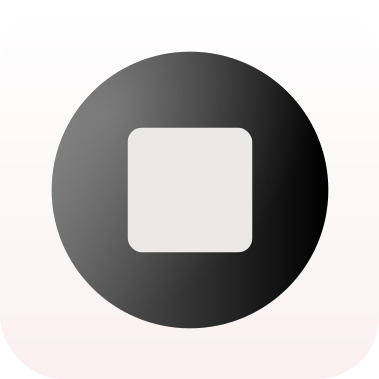
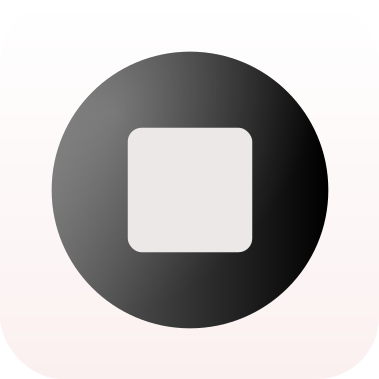
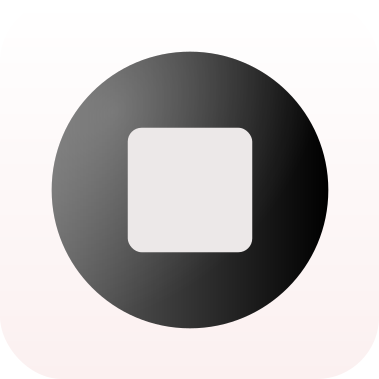
The TypeHop mark features a dark orb with a light inner square, set on a soft gradient background. Use the full icon for app references and the mark for compact placements.


Color palette
Our palette is built for dark-first interfaces with a warm coral accent. Use the dark palette for marketing and landing pages, and the light palette for in-app settings and account screens.
Dark theme
Background#050607
Soft BG#0e1114
Text#f3f5f8
Muted#9ca4af
Accent#f4f6fa
Linergba(255,255,255,0.14)
Light theme
Background#ece8de
Paper#f7f5ef
Ink#1d1b16
Muted#6f6658
Border#c8c0b3
Accent colors
Coral#d54834
Coral Dark#9e2f20
Typography
We use a system sans-serif stack as our primary typeface for UI and body text, with Cormorant Garamond for marketing headlines.
Primary — System sans-serif
The quick brown fox jumps over the lazy dog
Display — Cormorant Garamond
Turn your voice into text.
Usage guidelines
Do
- Use the logo with adequate clear space around it
- Use the provided color variants for dark and light backgrounds
- Refer to the product as "TypeHop" (one word, capital T and H)
Don't
- Stretch, rotate, or distort the logo
- Change the logo colors or apply effects
- Use the logo at sizes smaller than 24px
- Combine the logo with other marks or icons